
### Blog Post:
Hiking navigation map app adoption has transformed how hikers explore trails and backcountry—yet even the best hiking apps can leave you stranded if you rely on them without the right prep or subscriptions. This guide reveals what hiking navigation map apps really can (and can’t) do in 2024, exposes overlooked risks of offline mapping, and offers practical steps so you never lose your way—no matter the terrain.
Key Takeaways
- Offline hiking navigation map apps are powerful but require careful setup before losing service—most features depend on paid plans and advance downloads.
- Coverage, storage, and real map accuracy vary widely—official sources and redundancy remain crucial for backcountry safety.
- Common mistakes like incomplete downloads or misunderstanding offline limits can leave you without critical navigation in the field.
The Core Concept
At its heart, a hiking navigation map app is your smartphone’s digital map and compass. These apps—like AllTrails, Gaia GPS, onX Backcountry, and Komoot—combine mapping data, GPS, and community insights to help you navigate trails and backcountry routes. Why use them? They promise route guidance, terrain context, elevation, and real-time tracking—sometimes even without cellular service, if you have offline maps downloaded.
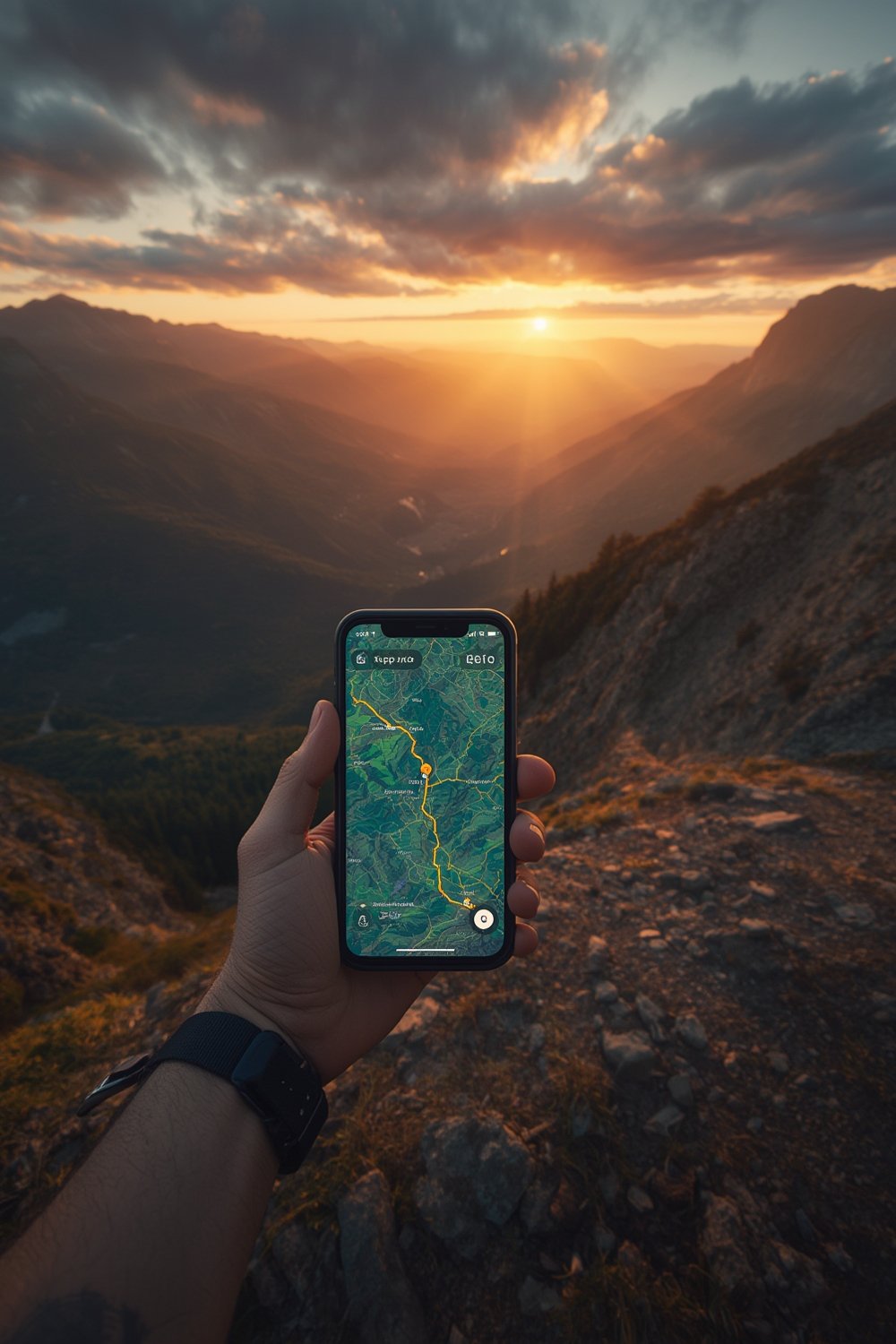
Offline features matter most when you hike in areas with unreliable cell coverage. However, to actually use maps, you must download the required regions, routes, and map layers in advance. Most leading apps—including AllTrails, Komoot, and onX Backcountry—limit full offline access to paid subscriptions or specific purchased regions.
Even with the best hiking navigation app, you risk losing access if you skip proper offline setup or misunderstand the map’s coverage, storage needs, or real-time limitations.
Step-by-Step Guide
Getting reliable offline trail navigation from a hiking map app takes more than a download. Here’s exactly what you need to do:
- Choose your app and subscription tier: Decide which app fits your needs—AllTrails+ for community data, Gaia GPS for map layers, onX Backcountry for property boundaries, or Komoot for route planning. Confirm if offline maps require a paid plan—most do except for small Komoot regions and free OpenStreetMap-based options.
- Plan your hike: Plot your route, including start and end points, possible alternates, and emergency exits. Choose the map layer(s) you actually need—topographic, satellite, land ownership, trail overlays—and confirm your app supports offline downloads for those layers.
- Download maps in advance: Using WiFi or strong data, select and download the map area, making sure you buffer around your trail. Don’t limit to a single trail line—always capture the broader region for detours. Double-check that all relevant overlays (elevation, trails, land boundaries) are included.
- Check, then double-check offline functionality: Before leaving, switch your phone to airplane mode and verify you can open the map, view the entire area, and see your planned route and relevant detail layers. Fix any missing data now, not at the trailhead.
- Manage device storage and battery: Monitor storage—high-res topo maps can quickly exceed 200 MB per area, and combining states or multiple layers can use several gigabytes. Fully charge your phone, bring a power bank, and minimize screen-on or GPS polling to save battery life. For more ways to lighten your load and avoid dead batteries on the go, see our guide to the best lightweight hiking backpacks.
- Understand limits: Offline maps won’t update to show new hazards, closures, or weather. Always check for recent trail updates before you download and pack a paper map as backup—particularly for deep backcountry hikes. For long trips, consider redundancy with a hiking GPS watch or printed topo maps.
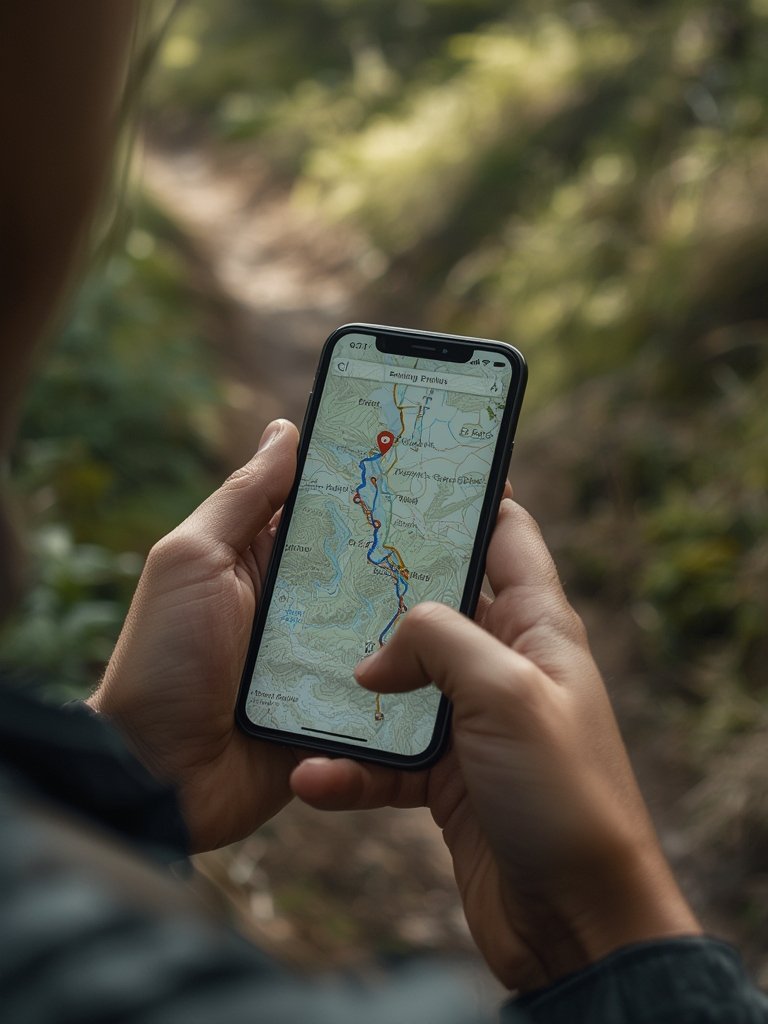
Many hikers also combine app navigation with trail-tested gear like a portable water filter for hiking or hiking food energy bars for maximum safety and efficiency on long routes.
Advanced Analysis & Common Pitfalls
Real-world use of hiking navigation map apps is filled with pitfalls, especially for those who treat them as “set and forget” navigation. Here’s what users and experts most often get wrong:
| Common Pitfall | What Actually Happens |
|---|---|
| Maps not downloaded in advance | App opens, but no usable maps load without coverage. If the trailhead lacks service, navigation fails (source). |
| Only route, not area, downloaded | You stray just off-route and suddenly the app cannot display the map background or alternate exits. |
| Missing map layers (e.g., topo, trail overlays) | You see a blank or base map only—critical elevation or trail lines are hidden unless that layer was chosen for offline storage. |
| Storage underestimated | Large regions or multi-layer downloads stop midway due to lack of device space; sometimes only part of the area loads. |
| Subscription status lost or expired | After subscription lapses or logout, stored offline maps may become unavailable or fail to unlock (source). |
| Maps not updated before trip | Previously downloaded maps don’t reflect recent trail closures or reroutes—offline data is frozen at the time of download. |
| No navigation redundancy | If phone battery dies, is damaged, or app crashes, no backup navigation exists. Paper maps remain essential for remote areas. |
| Regional coverage confusion | Offline access might only cover a restricted region (Komoot), or be tied to a specific device. Cross-region travel can strand your navigation (source). |
| Mismatched map accuracy | Commercial map layers often lack the legal status, recent reroutes, or closure details found on official park maps. For comparison, see your local national park website for government topo data. |
It’s also critical to know each app’s specialty and its blind spots. For deep backcountry approaches, Gaia GPS excels at multi-layer topo coverage, while onX Backcountry brings vital land ownership data. For popular, high-traffic trails, AllTrails+ offers rich community reports on current conditions—but it’s less reliable for unmapped wild areas than official data or manual navigation tools.

Apps also differ by region—European users may prefer Komoot for advanced route planning and voice navigation, while US hikers gain more from in-depth land-access data or USGS-derived layers.
Finally, battery demand increases with constant GPS use and screen-on time. If you need extra navigation gear or protection from the elements, check out our guides to LED hiking headlamps and a reliable hiking backpack rain cover.
Conclusion
Hiking navigation map apps offer powerful trail guidance—but only if you understand their limitations, prep your device correctly, and download everything in advance. No matter how advanced your hiking navigation map app, real safety demands redundancy: always check for fresh trail closures and bring a paper map or GPS backup for truly remote areas. Take control—don’t let digital navigation leave you lost. Explore with confidence by prepping your app, planning your downloads, and pairing technology with traditional navigation for every hike.
Ready to confidently plan your next adventure? Download your offline maps, double-check your device, and set out prepared.
FAQ
Can I use a hiking navigation map app without a paid subscription?
Most leading apps require a paid subscription for reliable offline maps. Komoot offers one free offline region, but for broad coverage or advanced features, you’ll need a paid plan on apps like AllTrails, Gaia GPS, or onX Backcountry.
How do I make sure my offline map actually works on the trail?
After downloading maps, switch your phone to airplane mode and confirm you can load the map, view your route, and see all required overlays or layers. If you can’t, re-download before leaving cell service.
Do these apps update with new trail closures or reports when offline?
No. Offline maps are static—the data is “frozen” at the time of download. To get updates on closures or hazards, check the app’s live feed and park websites before you head out.
How much phone storage do I need for offline hiking maps?
Expect a five-mile trail with buffer to use about 50–200 MB per map layer. Full state downloads for high resolution topo coverage can use more than 2 GB. Always allow extra space for the operating system and other apps.
What’s the best backup if my hiking navigation map app fails?
Experienced hikers always carry paper maps and a compass as backup. For extra redundancy in remote areas, consider a hiking GPS watch with offline topo maps or a satellite communicator.