
Hiking GPS watch selection can make or break your navigation in the backcountry, especially with new market trends, real-world battery challenges, and mapping surprises emerging in 2024. Whether you’re prepping for an ultralight trek or a multiday expedition, understanding what truly matters—and where popular advice falls short—helps you choose with confidence.
Key Takeaways
- The best hiking GPS watch combines multi-band GNSS, real topographic maps, strong battery life, and proven ruggedness.
- Battery claims differ from real use, and software support can “expire” years before hardware actually fails.
- Hidden costs include long-term map updates, subscriptions, and the need to replace units due to battery aging or firmware stops.
- What is a Hiking GPS Watch and Why Does It Matter?
- How to Choose and Use a Hiking GPS Watch Effectively
- Advanced Insights, Pitfalls, and Real-World Comparison
- Conclusion
- FAQ
What is a Hiking GPS Watch and Why Does It Matter?
A hiking GPS watch is a wrist-worn device that combines precise multi-satellite navigation, activity tracking, barometric altimeter, and routing features for trail use in remote environments. Unlike standard smartwatches, these models feature topographic map layers, robust battery, and ruggedness to survive days off-grid, guiding you even when phone signal disappears.
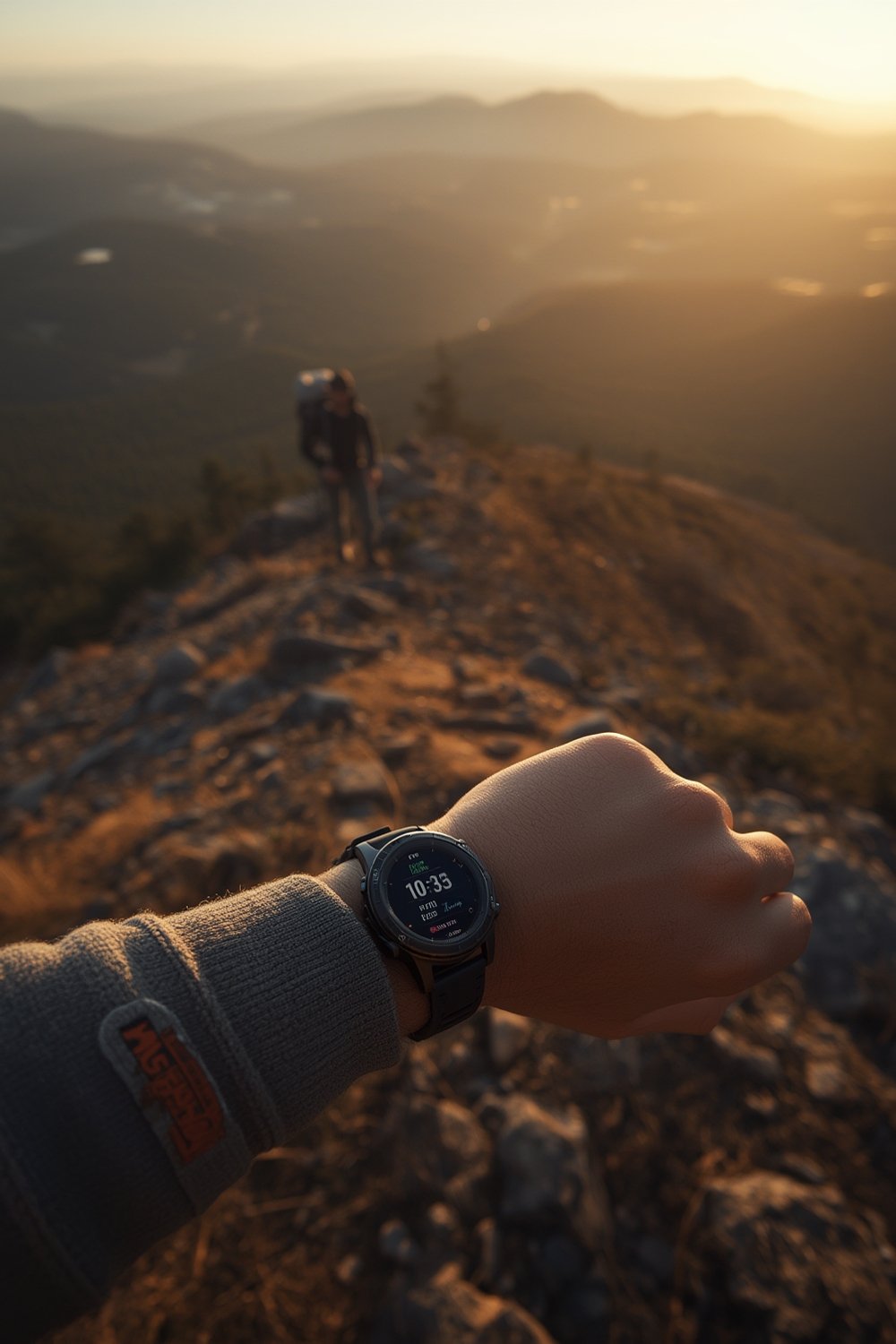
The global market for GPS watches shows explosive growth. Depending on the data source, 2024 GPS watch segments range from USD 2.43 billion to 38.8 billion, with 7 to 16 percent CAGR. Outdoor watches make up roughly a quarter of total value, with models like Garmin Fenix 7 Pro and Coros Vertix 2 leading sales (Field & Stream). As more hikers push into multiday or technical terrain, the need for onboard topographic maps, multi-band accuracy, and reliable navigation is bigger than ever.
What makes these watches vital for hikers:
- They work far from cell towers and ensure you can backtrack or take on unmarked trails.
- High-spec models hold detailed colored maps and contour lines, not just simple tracks.
- Modern units resist shock, water, and cold, surviving the demanding reality of wilderness travel.
How to Choose and Use a Hiking GPS Watch Effectively
Most “top GPS watch” lists give general advice. Here’s how to analyze specs and use features to get the most out of your device—plus mistakes to avoid that most buyers make.
-
Identify core needs.
- If you hike off-grid, you need multi-band GNSS (not just GPS) plus onboard topo maps. Consider battery longevity under real conditions, not just spec sheets.
- Decide if you want premium overlays or basic topo. For example, Garmin Outdoor Maps+ (paid) adds richer data, but TopoActive maps (free) suffice for most trails. See Garmin’s Maps+ here.
-
Compare technical specs and map support.
- Check for full multi-band satellite support (GPS, GLONASS, Galileo, BeiDou, QZSS). Garmin’s Fenix 7 Pro and Coros Vertix 2 max out accuracy under canopy or in canyons.
- Test whether the watch provides offline, colored topo maps—not breadcrumbs only. Many fitness-oriented or budget models (Forerunner 170, Instinct) lack real topo, which means poor context if you go off route. UltralightHike guide comparison.
-
Understand actual battery endurance.
- Expect less runtime if you use dual-frequency GNSS and leave the map screen on. Reviews report up to 30-40% shorter runs than spec sheets when using all features in tough terrain.
- Coros Vertix 2 offers exceptional headline battery (up to 140 hours GPS-only), but real-world use (all-systems, maps active) can drop to 50 hours. Garmin Fenix 7 Pro claims 57 hours GPS, but map-heavy hikes can cut runtime much lower.
-
Factor in price and hidden costs.
- Garmin Fenix 7 Pro and Coros Vertix 2 start at $699–$999. TopoActive maps are free, but premium overlays or extra regions may cost $50–$60/year or more, plus you’ll be on a typical 4-5 year replacement cycle due to battery and software support. More details: Garmin Maps+ subscription.
- Consider ongoing costs like paid GPX libraries, battery replacement, or worn bands—not just the sticker price.
-
Prepare for long-term support strategy.
- Ask how long firmware and mapping updates are promised. Garmin provides years of support but eventually deprecates old models; Coros historically provided fewer years of updates. If mapping support stops, your navigation reliability fades.
- Be ready to miss out on direct upgrades and occasional new bug fixes after about 4-5 years of use—even if hardware still works.
-
Practice regular sync and backup habits.
- If your watch requires app pairing, train yourself to sync data pre-hike. Lost activities or corrupted GPX files are common with unstable Bluetooth connections.
- Keep a backup paper map or phone map as well, especially for remote or critical routes.
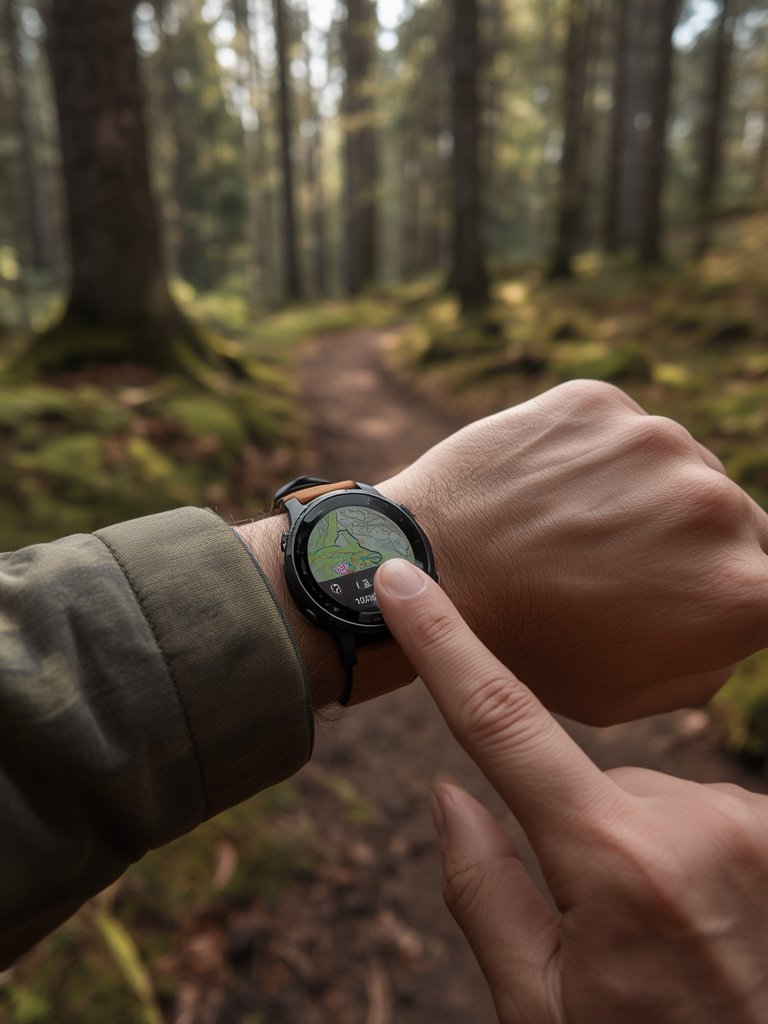
For even better results, pair your smart fitness tracker watch with purpose-designed hiking GPS tools or a lightweight hiking backpack. These setups ensure that if your GPS watch battery drains, you’re still covered for navigation and comfort on the trail.
Advanced Insights, Pitfalls, and Real-World Comparison
Even the most advanced hiking GPS watch comes with limitations and hidden pitfalls. Here’s where most buyers are surprised—drawn from expert field tests, labs, and user forums:
| Feature | Garmin Fenix 7 Pro | Coros Vertix 2 | Common Pitfalls & Issues |
|---|---|---|---|
| Real Multi-band GNSS | Yes | Yes | GPS drift in canyons or forest if not using dual-frequency; some models (Forerunner, Instinct) lack full support |
| Offline Topo Maps | Yes (TopoActive free; premium overlays extra) | Yes (global maps, region topo free via USB) | Many entry models only show a line (no contours), not true maps; unexpected subscription or update policy changes |
| Battery (real-world) | 23-57h (best modes, but shorter with maps on) | 50-140h (but can drop with all functions active) | Biggest runtime drop when using all GNSS, constant maps, rerouting; many users get less battery than advertised |
| Water Resistance | 10 ATM (100m) | 10 ATM (100m) | Rare leaks, more often damage from drops or scraped screen/bezel in rocks |
| Firmware/Mapping Support | Typical 4-5yrs; old maps may become outdated if separate purchase, firmware lags for older units | 3-4yrs typical support; updates end abruptly, bugs persist if firmware stops | Device still works but misses critical security, bug fixes, or loses map update eligibility; not covered in most buyer guides (see Field & Stream review coverage) |
| Screen Size & Mapping Usability | 1.3-1.4″ screen; good color, touch and buttons | 1.4″ screen; touch support, but more basic map UI | Difficult to read small topographic details compared to handheld GPS or phones |
| Hidden/Ongoing Costs | Maps+ $50/yr, regional map packs extra, 4-5yr replacement cycle | No subscriptions, but occasional paid GPX route apps; similar replacement cycle | Batteries degrade; device obsolescence is real cost after warranty support ends |
- Real battery life in mapping mode is almost always 20-40 percent shorter than the numbers shown on the box, especially if you use dual-frequency and frequent route recalculation. Even high-end Garmin and Coros watches are affected.
- Software bugs occasionally plague even the “best” watches: users report turn alerts on every switchback, slow route calculations, or connection drops with mobile apps. Expect to do software updates several times a year, especially in the first 2 years of device life. Firmware support typically ends by year 5.
- Offline map coverage and update policy are under-explained by most sellers. Garmin TopoActive is freely updateable if preloaded, but not for maps bought separately. Coros gives free map downloads now, but history shows support can stop suddenly for older hardware.
- Battery health is the single biggest driver for replacement. Few watches allow battery swap. After 4-5 years, most people see 50% of original runtime—even with careful use. This cost is almost never mentioned up front.
For further analysis of sustainable hiking kit integration, explore sustainable hiking gear strategies to support your GPS device use for years, or review our deep comparison of muscle recovery tools for hard trail days.

Conclusion
Choosing a hiking GPS watch now requires more than comparing battery life and buttons. Market stats show explosive growth, but hidden pitfalls—like battery fade, unreliable mapping support, and creeping software bugs—wait just beneath the surface. Prioritize multi-band GNSS, downloadable colored topo maps, and realistic battery expectations, not just the fanciest or latest release. Your next hiking GPS watch should be a durable companion, not a disposable gadget.
Ready to hike safer and smarter? Compare your needs to specs, measure long-term costs, and start your next route with confidence.
FAQ
What’s the difference between a hiking GPS watch and a fitness smartwatch?
Hiking GPS watches are designed for extreme outdoors, with robust navigation (including colored topo maps), rugged build, and multi-band satellite support. Fitness smartwatches focus on activity and health tracking and rarely include advanced maps, making them less reliable deep in the backcountry.
How long does the battery of a modern hiking GPS watch actually last during real hiking?
With all navigation features active (dual-frequency, routing, map screen on), expect 20-40% less runtime than manufacturer claims. For typical mid/high-end models, 15-40 hours is realistic for a full day of “active navigation.”
Can I replace the battery or keep my hiking GPS watch working for more than 5 years?
Most watches don’t allow battery replacement. After 4-5 years, battery life can drop to half. Hardware will likely still work, but reduced runtime and discontinued firmware updates push most users to upgrade.
Do I have to pay for maps on Garmin or Coros hiking watches?
Newer Garmin Fenix 7/Epix models include free downloadable TopoActive maps. Extra overlays or annual premium subscriptions (like Outdoor Maps+) cost more. Coros Vertix 2 offers free regional and global map downloads, no subscription needed. For both, always check for future support and update policy.
Is a GPS watch screen big enough to replace a handheld GPS or phone for map reading?
No. Even the largest 1.3-1.4” screens are harder to read than handheld devices or smartphones. Use the watch for live navigation and critical directions but carry backup maps for detailed route checks.
Honestly, the game selection here is top-notch. I spent all evening exploring the different options and everything runs perfectly. vnvf555bet is definitely my new favorite hangout.