

Smart irrigation systems are rapidly changing how homeowners manage lawn and garden watering, offering major water and cost savings over traditional sprinkler timers. If you want to control your outdoor water use, cut bills, and avoid wasted effort, understanding these Wi-Fi smart controllers and soil sensors is key—especially with today’s pricing, security risks, and real-world performance issues that most articles ignore.
Key Takeaways
- Smart irrigation systems typically reduce residential outdoor water use by 20–40%, rapidly repaying hardware costs and helping comply with regional water restrictions.
- Common pain points include Wi-Fi reliability, false weather skips, confusing setup, and unexpected subscription fees—plus privacy and data security risks.
- Long-term benefits hinge on smart configuration, sensor maintenance, and realistic expectations about what “automatic” actually means in your unique yard.
- What Are Smart Irrigation Systems—and Why Switch?
- How to Upgrade: Step-by-Step Homeowner Guide
- Advanced Analysis & Common Pitfalls
- Conclusion
- FAQ
What Are Smart Irrigation Systems—and Why Switch?
Smart irrigation systems use Wi-Fi-connected controllers, weather data, and sometimes soil sensors to automate, adjust, and optimize your yard’s watering. Unlike old dial-timers, these units respond to real-time weather, plant, and soil conditions, aiming to water your grass and landscaping only when truly needed.
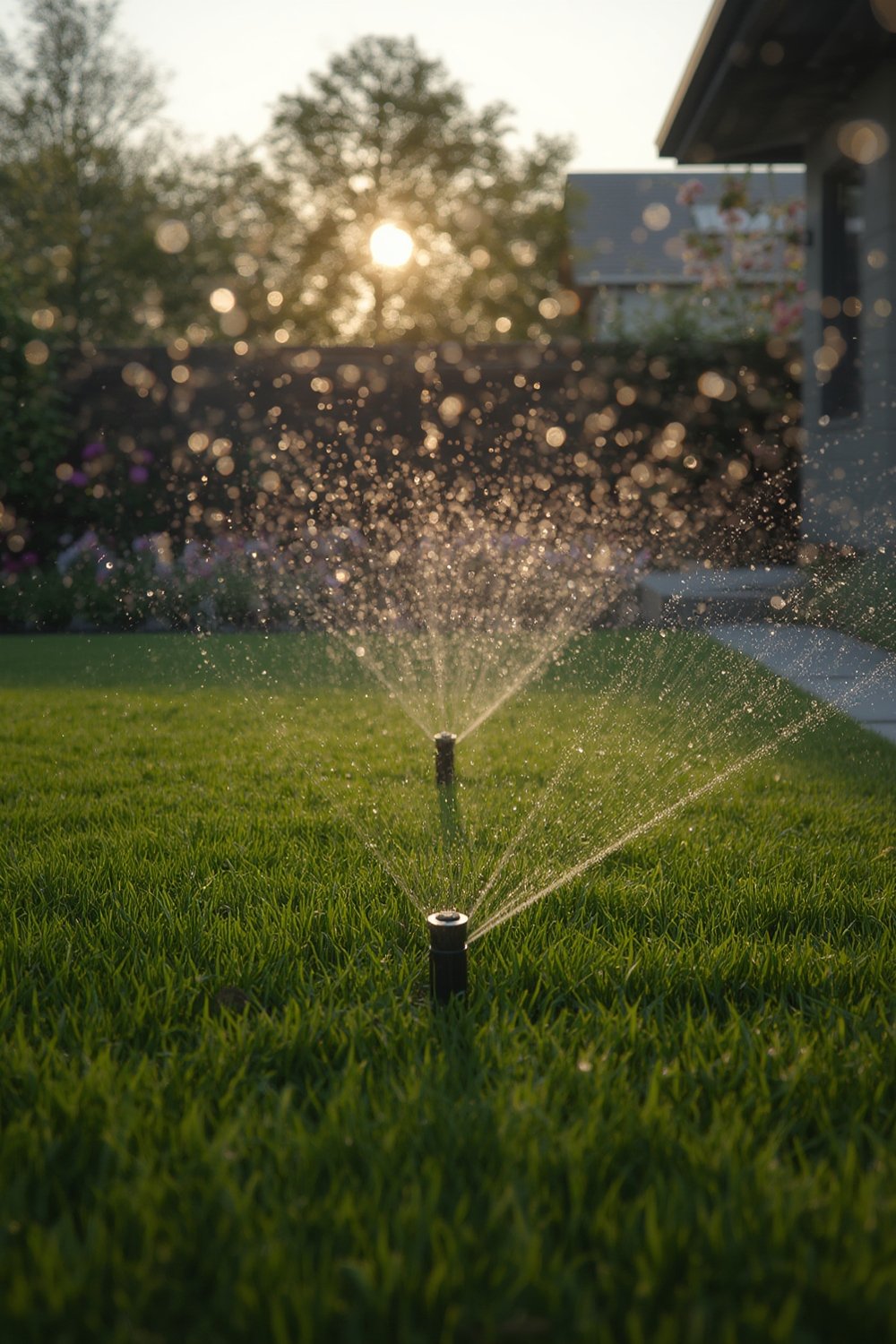
Why switch? According to industry leaders and EPA WaterSense, typical households with smart irrigation controllers use about 20–40% less outdoor water versus set-and-forget schedules. Field studies—and real utility rebate programs—back this up for both weather-based controllers and integrated soil sensor systems [peer-reviewed research].
This translates to real cost savings (cutting total water bills by roughly 6–28%), reducing plant stress, and sometimes helping you meet local watering rules or drought ordinances. Modern products can work as standalone Wi-Fi hose timers or multi-zone in-wall controllers, fitting almost any yard size or budget. Compared to investing in new landscaping alone, smart controllers often have a faster ROI—especially if paired with efficient sprinklers, drip lines, or water-wise plantings (learn more here).
How to Upgrade: Step-by-Step Homeowner Guide
- Assess Your Current System
- Inventory your irrigation zones and look for existing controllers or valves.
- If you’re using hoses and manual valves, a smart hose timer is likely best. For in-ground sprinklers, replace the wall-mounted timer with a Wi-Fi smart controller.
- Select the Right Smart Controller
- Stick to reputable brands (e.g., Rachio, Rain Bird, Orbit B-Hyve, Wyze).
- Count required zones—buy a controller or set of hose timers that can cover all irrigation areas, allowing some future expansion.
- Check integration with your smart home platform of choice (see full guide), especially if you already use Alexa, Google Home, or Apple HomeKit. Support for HomeKit/Matter is still somewhat limited, but Alexa/Google compatibility is nearly universal.
- Decide if you want:
- Weather-based control only (easiest for most yards).
- Weather + soil moisture (“hybrid”)—offers extra savings and better adapts to actual soil drying.
- Basic rain/freeze sensor add-ons—offers partial “smartness” at lower cost, but requires periodic checking of sensor accuracy.
- Check Network and Power Setup
- Ensure you have a reliable 2.4 GHz Wi-Fi signal where the controller will be mounted. Outdoor wiring or concrete walls can reduce coverage; consider Wi-Fi extenders for hard-to-reach valve boxes.
- Have safe access to a GFCI outlet for plug-in models, or follow all safety guidelines when wiring direct replacements.
- Install Hardware
- Mount the controller securely, route wires cleanly, and test valve operation before closing up enclosures.
- Install any optional weather or soil sensors per manufacturer instructions (depth, shielding, and cable management matter for long-term durability).
- Configure and Customize
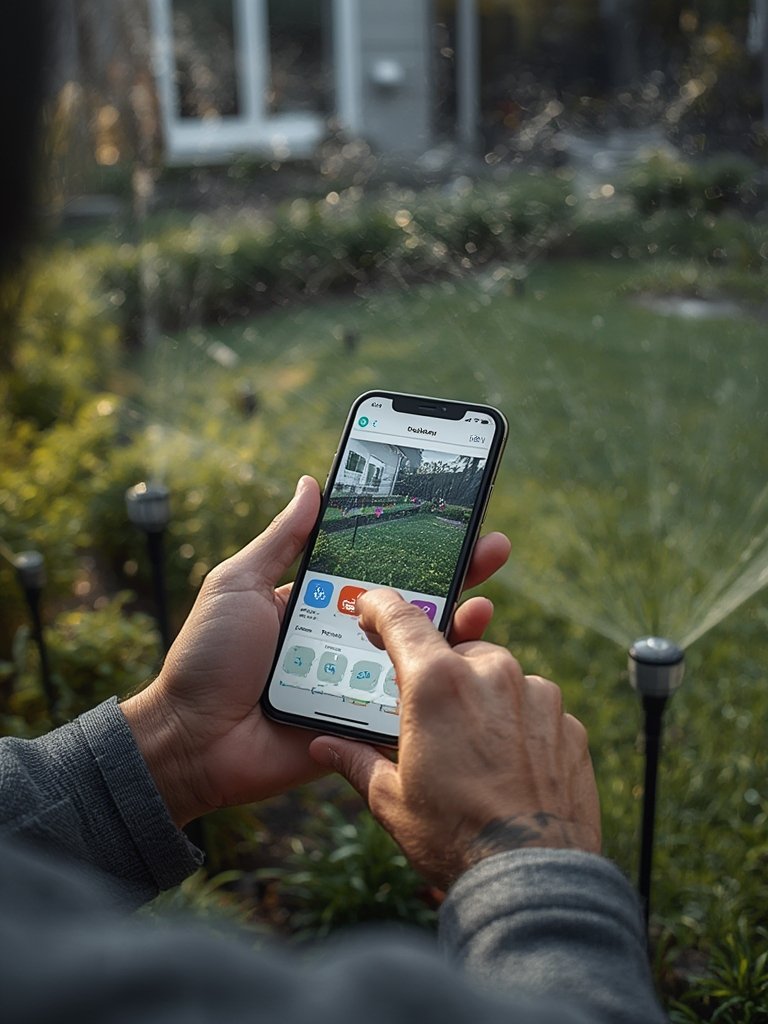
- Download the correct app and walk through the step-by-step setup process.
- Name your zones, enter details about plant types, soil, sun/shade patterns, and nozzle precipitation rates if prompted.
- Enable smart scheduling, rain/freeze skip, or soil-based automation features per your model’s options.
- Set up smart notifications for skipped runs or connection problems.
- Run Test Cycles and Tweak Programming
- Check actual watering—are any areas over- or under-watered? Review soil wetness a few inches down after cycles; adjust as needed.
- Observe for several weeks as weather changes. Revise settings seasonally for best results.
- Monitor Water Bill & Maintenance Needs
- Track monthly outdoor usage to verify savings; adjust controller settings if water use seems higher than expected.
- Perform periodic checks of sensor function, battery levels (for hose timers/sensors), and app/circuit firmware updates.
- If you want even stronger outdoor results, pair a smart controller with water-wise landscaping: see rewilding lawn alternatives and rain garden design ideas to shrink the area that actually needs irrigation.
- For advanced gardeners or those caring for pollinators, native plant choices can reduce irrigation needs even further.
Advanced Analysis & Common Pitfalls
Common Pain Points with Smart Irrigation Systems
- Wi-Fi unreliability or poor coverage outdoors—Devices may drop offline or miss watering periods, especially if placed far from a router.
- Setup Confusion—Apps can be buggy, interface changes after updates may hide key features, and poorly documented “smart” options can confuse first-time users.
- Weather Data Inaccuracy—If your weather-based system relies on a station miles away, you may get false rain/freeze skips or not enough watering during heat waves.
- Subscription & Feature Lock-In—Many “advanced” features or weather feeds are paywalled or become paid with little notice, frustrating homeowners who expected full access.
- Sensor & Hardware Durability—Rain sensors and soil moisture probes can drift out of calibration or break down within 2–5 years, sometimes cutting expected water savings or leading to failures.
- Cloud & Security Risks—Rarely discussed in marketing, smart irrigation often means your schedules, usage, and even local weather data are broadcast to vendor clouds. This can mean exposure to hacking, unwanted ads, or privacy leaks, especially if the device isn’t updated regularly or is left with default passwords.
Comparing System Types: Weather, Soil, and Rain Sensors
| System Type | Typical Water Savings | Hardware/Lifetime | Downsides & Risks |
|---|---|---|---|
| Weather-Based Smart Controllers | 20–40% | 3–10 years (may depend on weather data subscriptions) | Wi-Fi reliability; incorrect weather data; may lock key features behind subscriptions. |
| Soil Moisture Sensor Systems | 15–30% | Sensor life 2–5 years; requires periodic recalibration or replacement. | Sensor drift; accuracy varies by soil; initial setup complexity. |
| Rain Sensors (Add-ons) | Up to 30%, varies with climate | Most degrade in accuracy after 2–5 years | Missed skips due to sensor failure; hard to notice when not working. |
Real-World Scenarios with Smart Irrigation
- Return on Investment: For homes spending $400–800/year on outdoor water, you can often recoup hardware (and even installation) within 1–4 years due to simple water savings. In smaller yards or low-use climates, payback is longer—but benefits for landscape health, regulation compliance, or runoff reduction may still outweigh the slower ROI.
- Security & Privacy: Most smart controllers use cloud services. Weak device security or old firmware can expose your schedule or allow malicious control. Best practice: use strong passwords, segment IoT devices on a “guest” Wi-Fi, and keep firmware updated. Look for transparency in privacy policies.
- Maintenance Overlooked: Major content gaps in top-ranking articles mean many homeowners are surprised by rain sensor drift (sometimes 40% less accurate after a few years) or lack of support when a brand abandons a platform.
For more yard technology comparisons, see our robotic mower reviews and the battery lawn tools guide for all-in-one automation and savings strategies.
Conclusion
Making the jump to smart irrigation systems is one of the fastest ways to upgrade your landscaping without a costly overhaul. For most U.S. homeowners, a properly installed smart controller or soil sensor means 20–40% less outdoor water use, fast payback, and compliance with stricter water rules. However, be sure to budget for ongoing maintenance, Wi-Fi improvements, and stay vigilant about cloud security and unexpected subscription costs. Ultimately, the real-world impact of your smart irrigation systems will come down to honest customization, app reliability, and embracing occasional hardware upgrades.
Ready to cut waste, save money, and make your yard more resilient? Start your upgrade journey today and use the tips above to ensure your smart irrigation project delivers real results.
FAQ
How much water can I realistically save with a smart irrigation system?
Most residential users report 20–40% reductions in outdoor water usage compared to old manual or traditional timer-based systems, assuming proper setup and occasional fine-tuning.
Is a Wi-Fi smart controller hard to install for homeowners?
If replacing an existing wall timer, most plug-and-play Wi-Fi controllers can be swapped in 30–60 minutes with basic electrical skills. Hose timers and hubless wireless models are even easier. Still, always follow safety instructions or hire a pro if unsure.
Can smart irrigation controllers connect to Alexa, Google Home, or HomeKit?
Almost all 2024 models work natively with Alexa and Google Home. HomeKit and Matter integration is more brand-specific—check product specs and look for bridge or hub workarounds if you want Apple compatibility.
What happens if the Wi-Fi or cloud service goes down?
Most smart controllers keep their schedule during short outages, but you may lose remote control or weather-skip features. Plan to check system logs and, for mission-critical gardens, consider local/manual backup controls.
Are there any ongoing costs or subscriptions with smart irrigation systems?
Some brands offer all essential features free; others lock premium weather feeds, detailed analytics, or integrations behind recurring monthly or annual subscriptions. Always check the fine print before buying.